
TABLE OF CONTENTS
Payment Balance Page
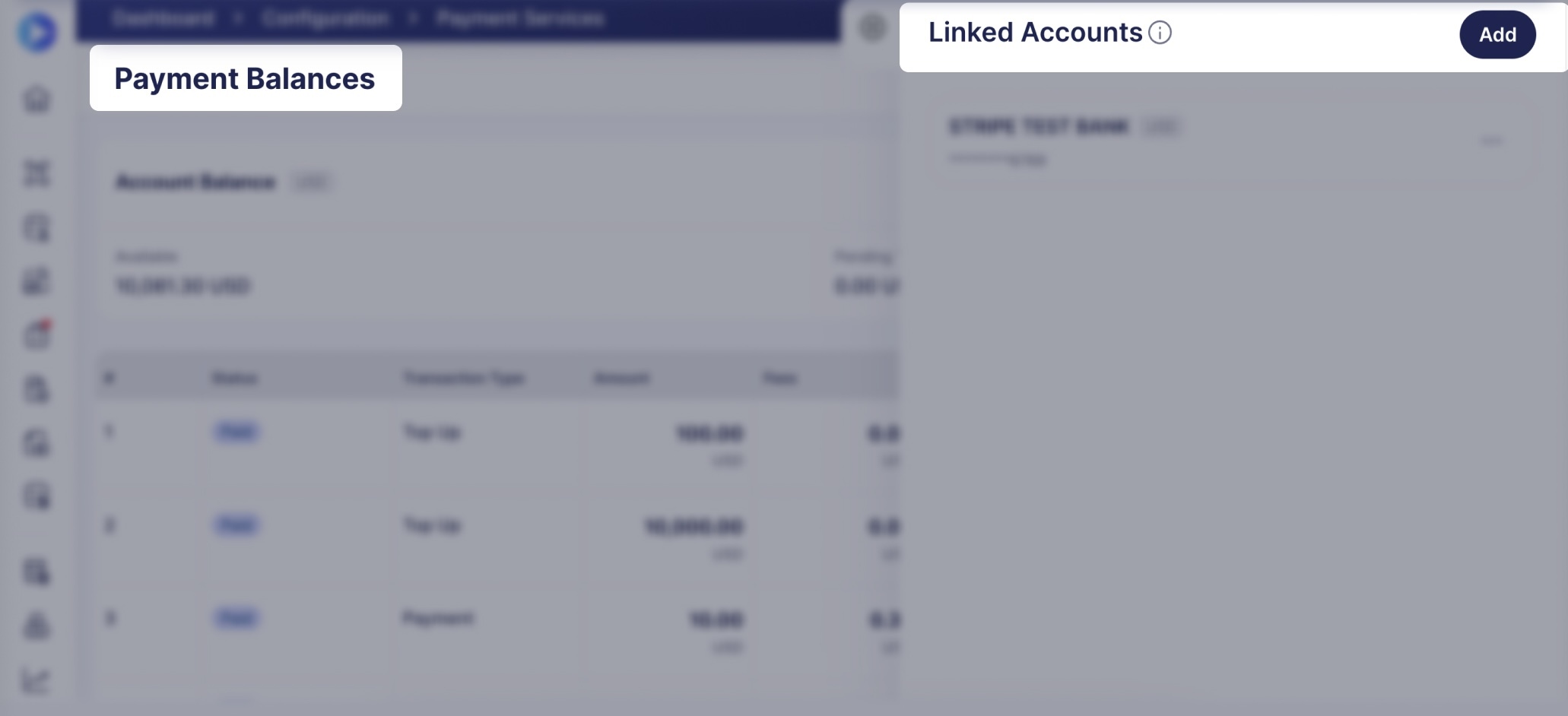
To access the Payment Balance page, navigate to Configuration → Payment Services and press the Show Balance button.
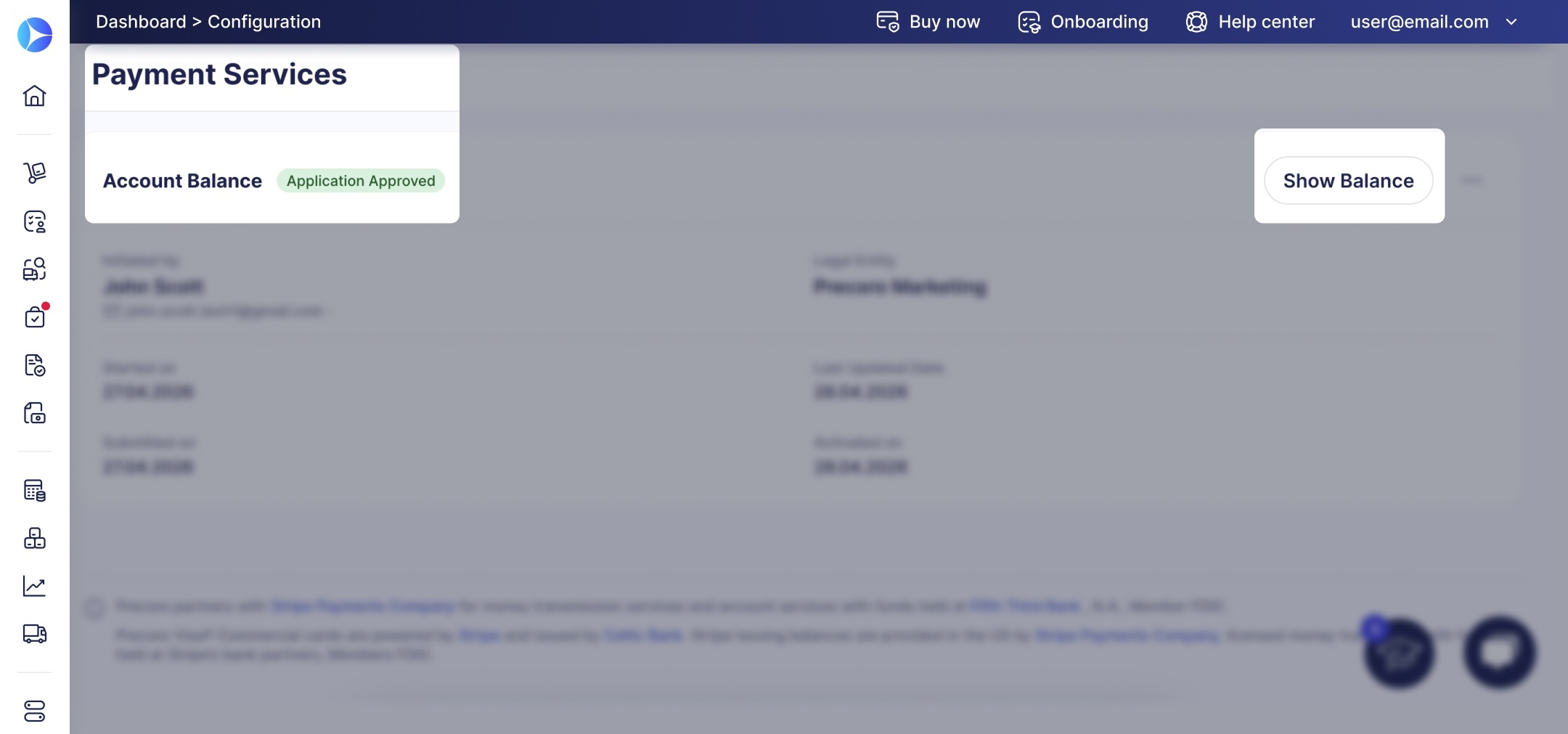
The page displays your payment balance and related transactions. If you have financial accounts for multiple legal entities, switch between them in the left-hand panel.
Let’s take a quick look at the features on this page.
At the top of the page, the Account Balance section displays two figures:
- Available—the current available account balance. You can use it to make payments.
- Pending Top-Ups—funds that are currently being processed and aren’t yet available for use.
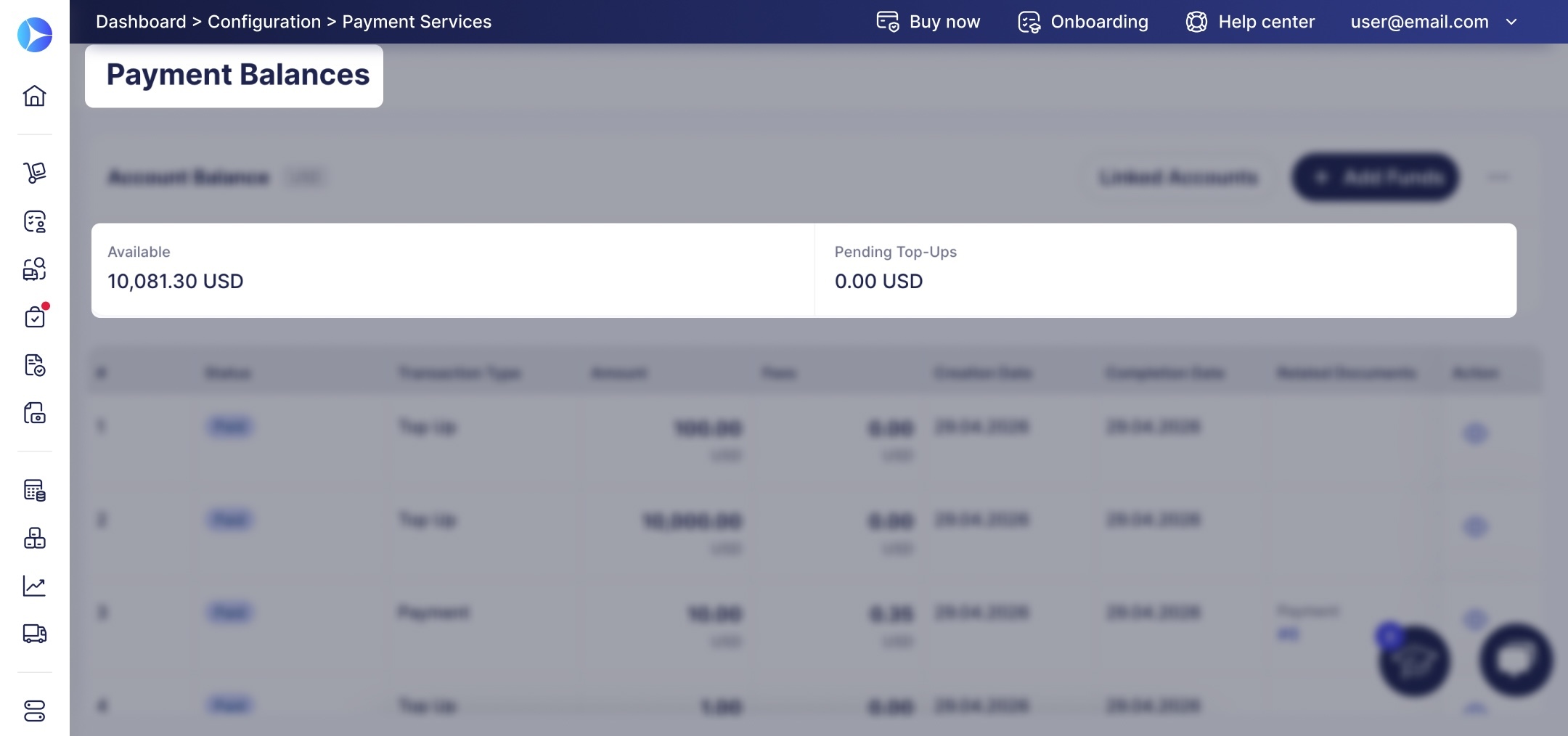
To access actions related to the financial account, please use these buttons in the upper-right corner:
- Linked Accounts—view and manage external bank accounts linked to your financial account. Learn how to add linked accounts in the next section.
- + Add Funds—add funds to your balance from a linked account.
- ···—additional actions. You’ll need to press this button and then select Funding Details to add funds via bank transfer.
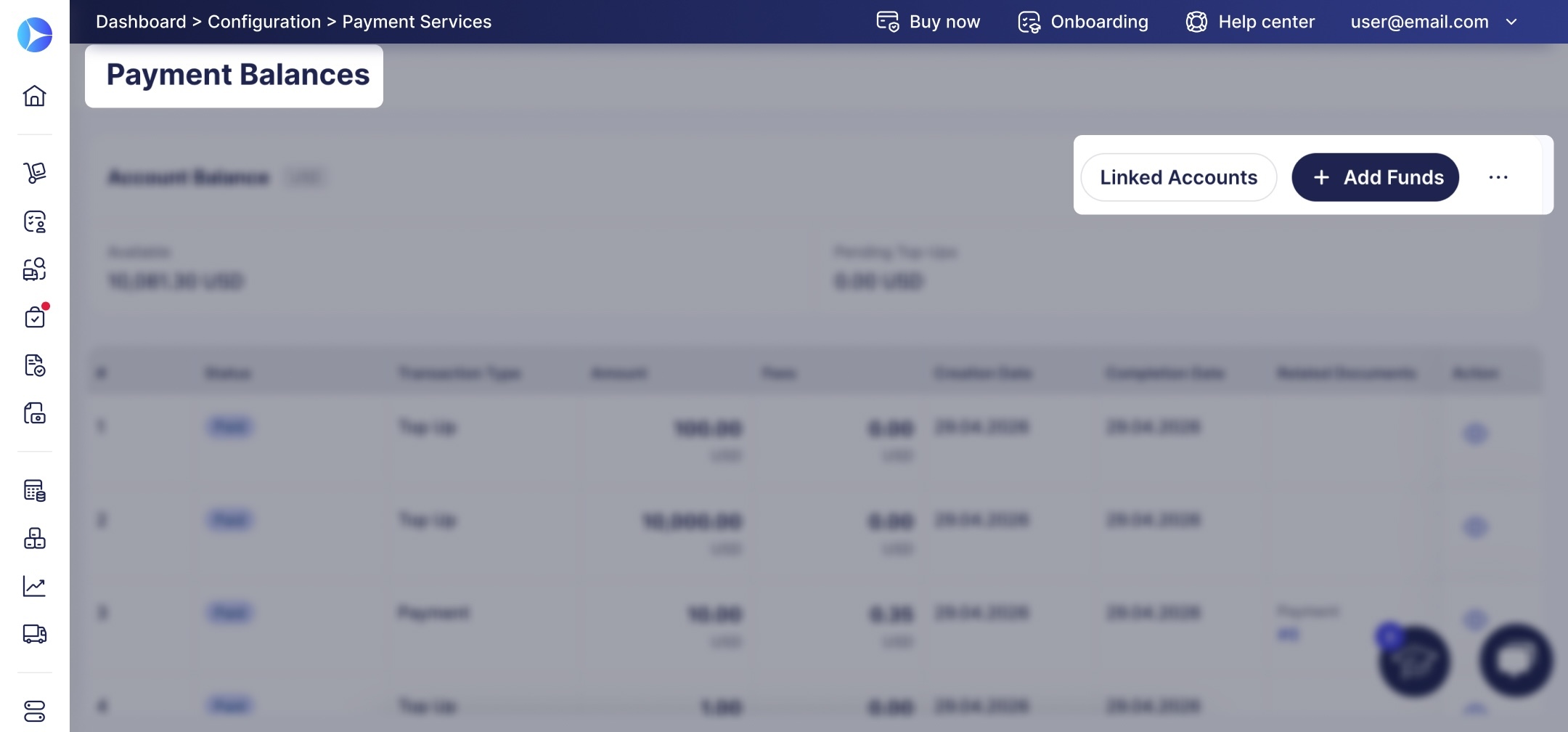
Below is a transaction table showing all account activity. When you first open the page, the table is empty; transactions will appear after your first deposit or payment.
How to Link a Bank Account
Linked Accounts are your external bank accounts connected to Precoro. You can use them to top up the balance directly in the Precoro interface.
To link a bank account, please ensure it meets the following requirements:
- It belongs to the same legal entity as your Precoro financial account.
- It’s in the same name as your Precoro financial account.
- It’s open in a US bank.
- The currency is USD.
- You can access the account to complete verification.
Follow these steps to link an account:
- Press Linked Accounts on the Payment Balance page.
- Press Add in the sidebar. Later, this panel will display all bank accounts connected to this financial account.
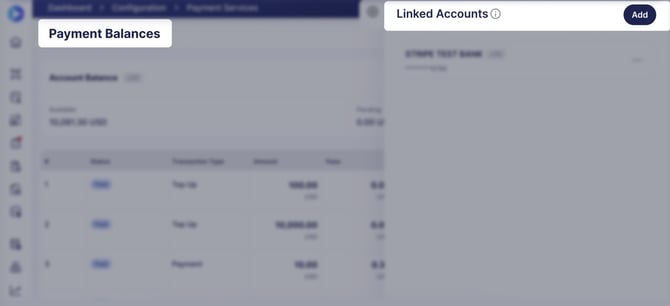
- Find and connect an account using Stripe open banking:
-
- Find your bank in the provided list; use the search to make navigation easier.
- Select the bank and press +.
- Sign in to your bank account.
- Confirm account connection.
Once authorized, the account will appear in the Linked Accounts sidebar. In the next section, we’ll review how to top up your balance using this account.
💡Please note: Precoro doesn’t store or access your bank account information. The connection is established via Stripe, and authorization occurs on the bank’s end. Precoro only receives a confirmation that the account is connected.
How to Add Funds to the Balance
From a Linked Account
With linked accounts, you can add funds directly from Precoro:
- Press + Add Funds on the Payment Balance page.
- Fill out the details in the Balance Top-Up form:
- Top-up Amount—amount to be added to the balance in USD.
- Funding Account—an account from the Linked Accounts list.
- Note—any additional information (optional).
- Press Add Funds in the top right corner to initiate the top-up request.
Deposits via Linked Accounts are typically processed as ACH payments. Funds are usually credited within 3–5 business days.
With a Bank Transfer
Before adding funds to the balance, please check that the bank account meets these requirements:
- It belongs to the same legal entity as your Precoro financial account.
- It’s in the same name as your Precoro financial account.
- It’s open in a US bank.
- The currency is USD.
❗Important: If the funds are transferred from an account with a different legal entity or account holder, the deposit will not be credited.
Here’s how to transfer funds from an eligible account without linking it:
- On the Payment Balance page, click “...” (additional actions) and select Funding Details.
- Precoro will show the details required to make the transfer. You can copy them one by one or press Copy Details.
- Initiate the transfer from your bank using the provided details. Make sure to include the Account ID in the Reference / Memo field.
Depending on the payment method you choose, the time it takes for funds to be credited varies:
- ACH—1 to 3 business days,
- Wire transfer—1 business day.
Precoro keeps the funds in your financial accounts without any time restrictions. Therefore, you can choose to:
- add funds for specific payments to suppliers, or
- add larger amounts in advance.
Funds are held at Fifth Third Bank, N.A., a Member of the FDIC, which means they are federally insured.
Precoro partners with Stripe Payments Company for money transmission services and account services with funds held at Fifth Third Bank , N.A., Member FDIC.
Precoro Visa® Commercial cards are powered by Stripe and issued by Celtic Bank. Stripe Issuing balances are provided in the US by Stripe Payments Company, licensed money transmitter, with funds held at Stripe’s bank partners, Members FDIC.